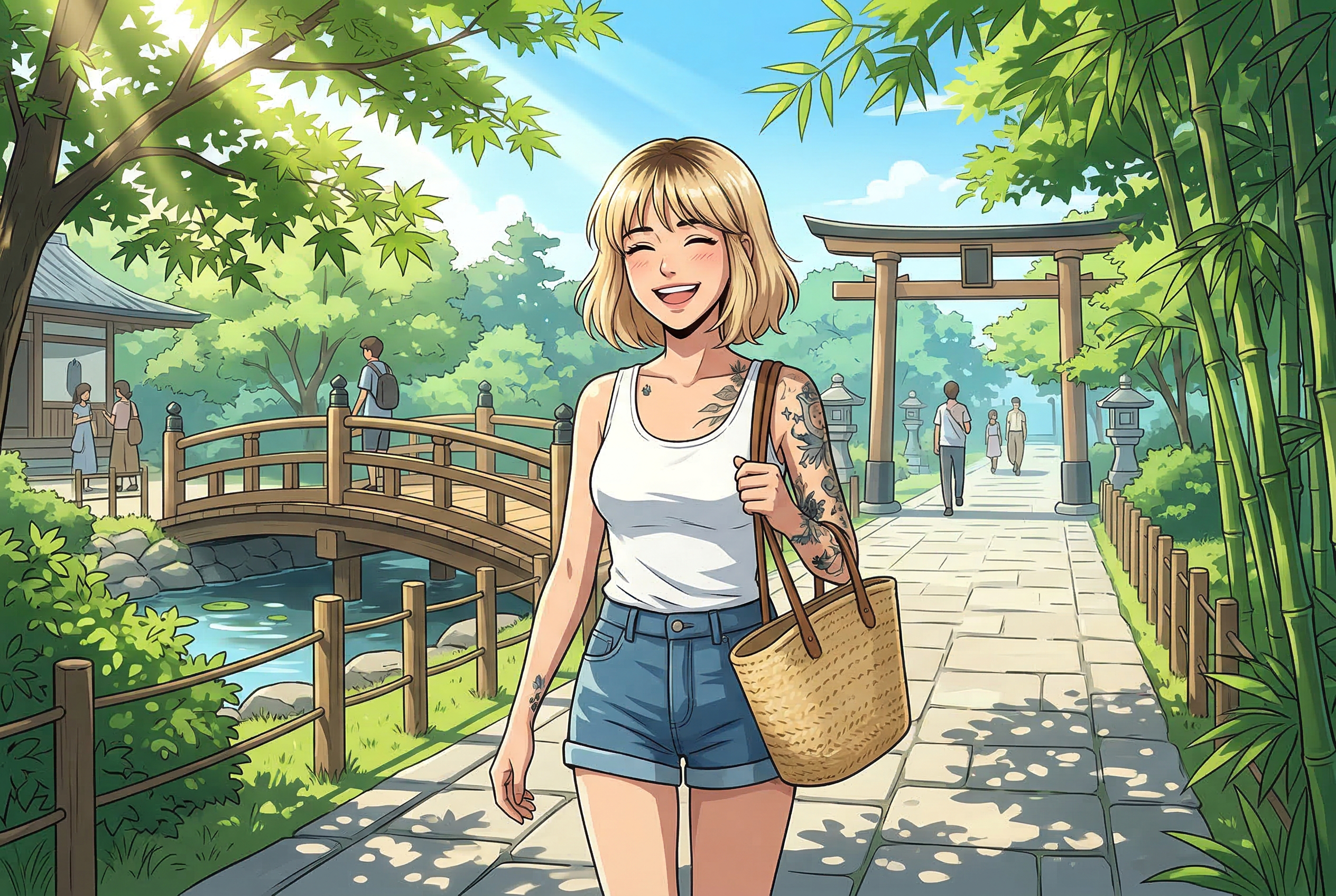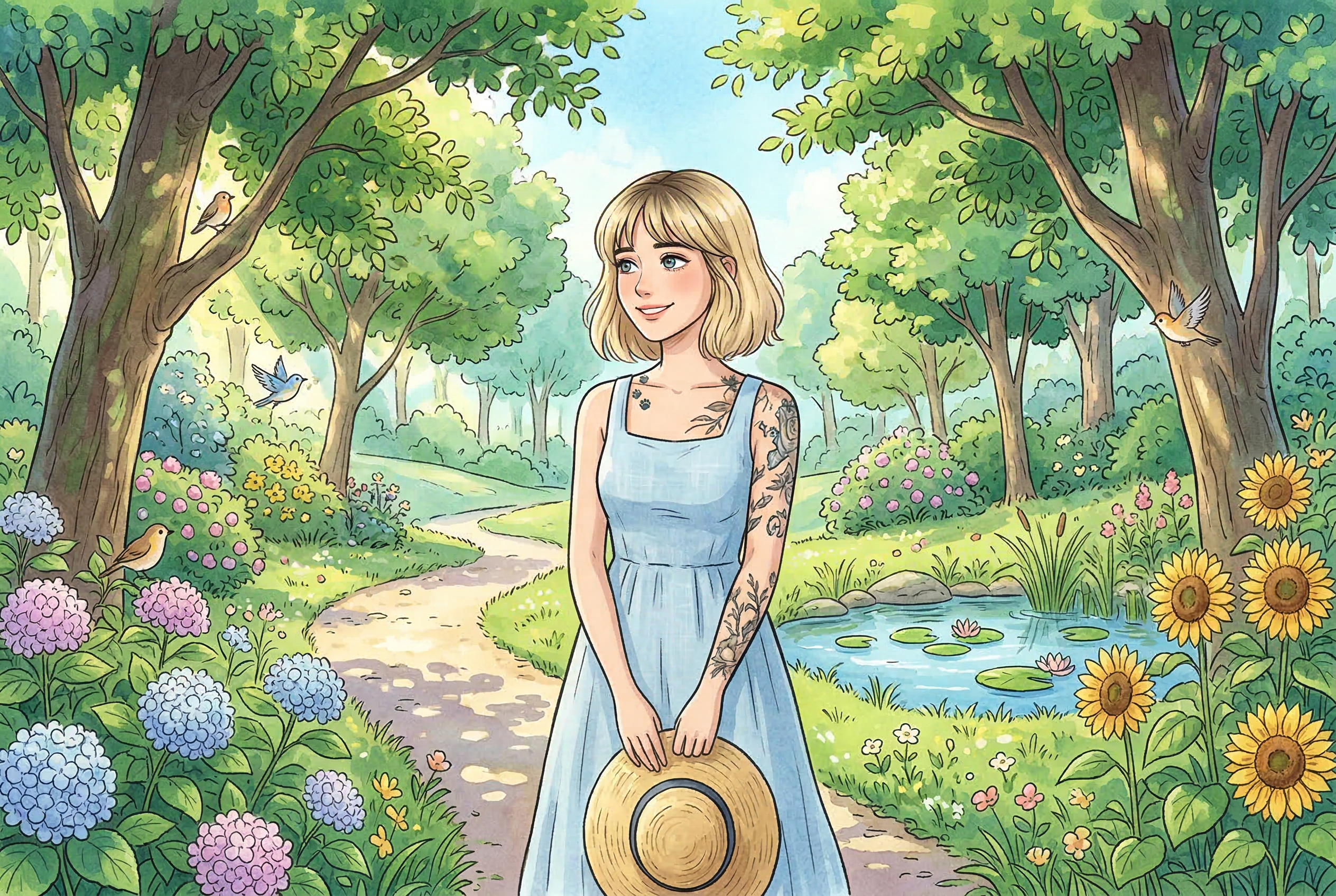
Ghibli Style AI Art: Best Generators & How to Get Better Results (2026)
Learn how to make Ghibli-style AI art with better prompts and cleaner source images. Compare top generators and follow a practical step-by-step workflow.
Discover tutorials, tips, and insights about AI image generation and creative workflows.
Learn how to make Ghibli-style AI art with better prompts and cleaner source images. Compare top generators and follow a practical step-by-step workflow.
Updated 2026 comparison of the best AI anime art generators. We break down top tools for character design, manga style, speed, and creator workflows.
Compare the best image-to-image AI tools in 2026. See which platforms are best for photo edits, style transfer, character consistency, and fast production workflows.
Looking for the best realistic AI image generator? We tested 7 top tools for photorealism, speed, and quality. See which ones actually deliver.
Use a plan-first AI photo editing workflow inspired by Adobe Firefly: protect product details, review edits, and approve campaign images with confidence.
Learn how to brief AI SVG generation, verify editable vector shapes, and prepare Images 2.6 exports for website and design handoffs.
Explore Seedream 5.5 native RGBA output and learn to create transparent AI images with practical prompts, edge checks, and export verification.
Turn product photos and mascots into clean AI GIF loops with practical prompts, frame-by-frame checks, export tips, and an Images 2.6 workflow.
Learn FLUX 3 Image bounding boxes with a practical campaign prompt, coordinate guide, and quality checks for cleaner AI-generated layouts.
Explore Anima Reference Adapter with a three-scene character consistency test, practical prompts, ComfyUI workflow tips, and key licensing limits.
Learn AI image markup editing: prepare transparent overlays, write precise edit prompts, and check results without confusing model rumors with releases.